
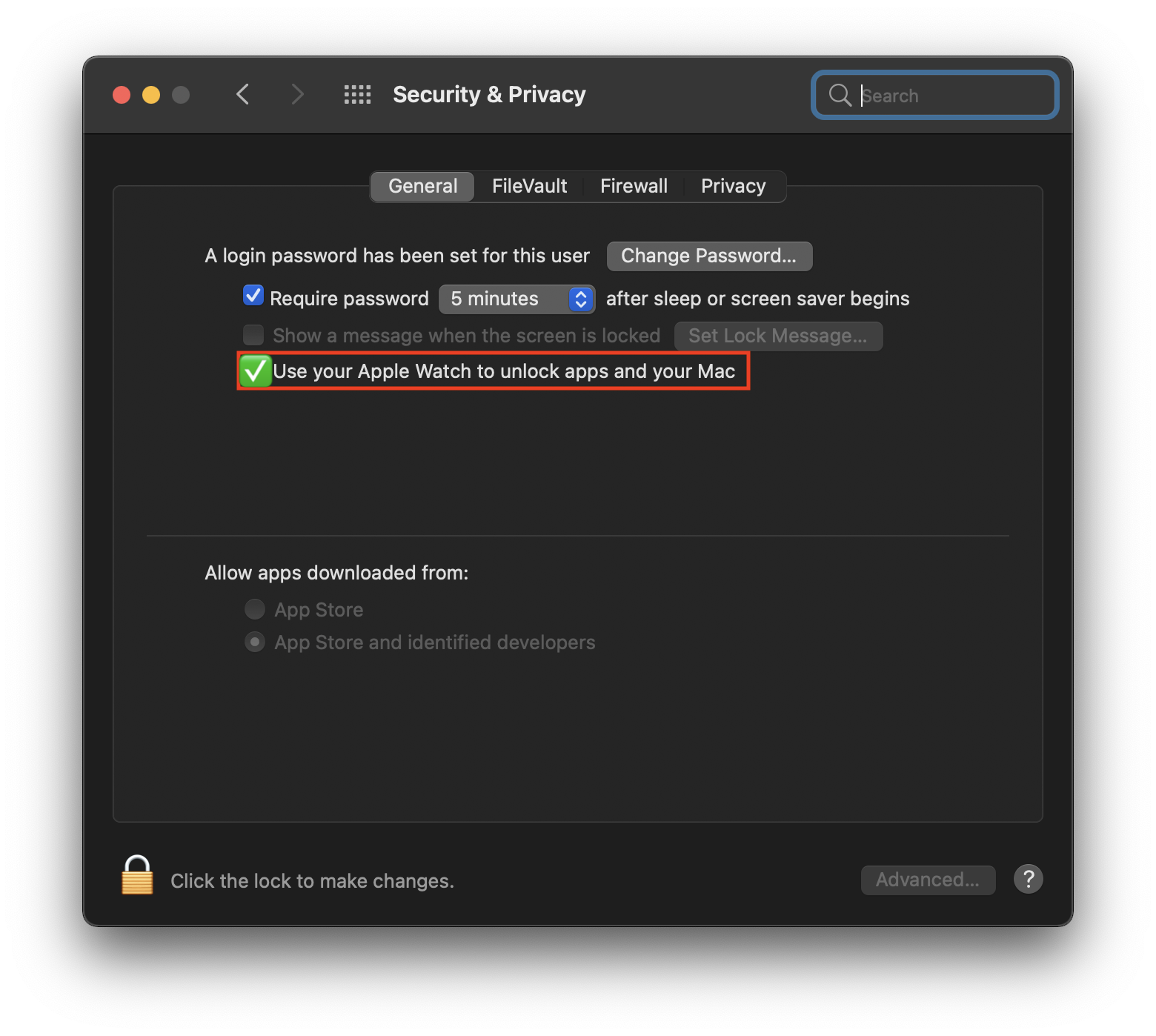
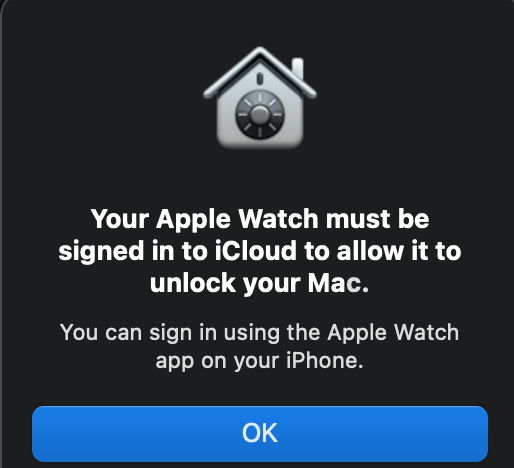
บางครั้ง คุณอาจจะเจอกับปัญหานี้ ซึ่งผมนั่งงมอยู่สักพัก เพราะมันมักจะเกิดขึ้นนาน ๆ ที (once in a while) แต่ก็มักจะหาวิธีแก้ตรง ๆ ไม่ได้ เบื้องต้น ให้คุณลองทำตามนี้:
Steps (follow at your own discretion)
- Open “Keychain Access”
- In “View”, enable “Show Invisible Items”
- Search for “Auto Unlock”
- You should see a whole bunch of application passwords for “Auto Unlock: XXXX’s …”
- Select all records and delete (this will reset/disable auto unlock on other Macs if you use multiple Macs)
- Whilst still in “Keychain Access”, search for “AutoUnlock” (no space)
- There should be 4 entries for “tlk” “tlk-nonsync” “classA” “classC”
- Select 4 records and delete (don’t worry if they re-appear, the system repairs this automatically)
- Open “Finder” and navigate to “~/Library/Sharing/AutoUnlock”
- There should be two files “ltk.plist” and “pairing-records.plist”
- Delete both files
- Open “System Preferences” and try enabling auto unlock. You may need to enable it twice, the first attempt will fail.
…แต่ก็มักจะหาวิธีแก้ตรง ๆ ไม่ได้ “
แต่ถ้ายังไม่ได้นะครับ ให้นั่งทำตามวิดิโอนี้ (ฟังไม่ออกไม่เป็นไร มีภาพช่วยให้ทำตามขั้นตอนได้ครับ):
ถ้าเพื่อน ๆ ชอบบล็อกของผม สามารถสนับสนุนผมได้โดยการกดแชร์ หรือไปร่วมบริจาคในภาพที่ผมถ่ายส่วนตัว ยอดบริจาค 50% ผมจะทำการบริจาคไปยังมูลนิธิอิเมจิ้นไทยแลนด์ต่อไป 🙂 ส่วนใครมีความคิดเห็น อยากแบ่งปัน สามารถคอมเมนต์ 👇🏼 ได้เลยนะครับ
ที่มา: Apple Communities

 konthaina.com